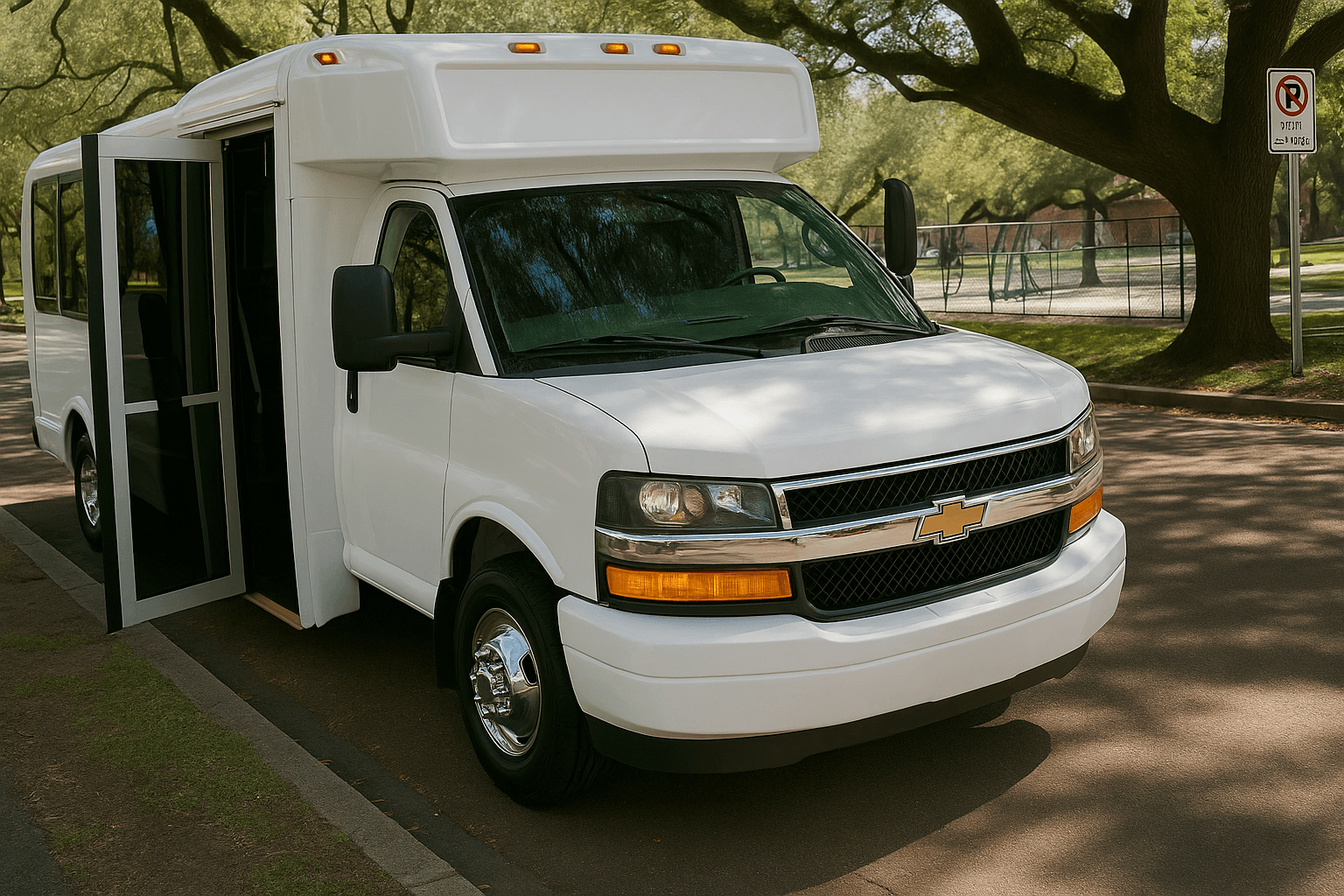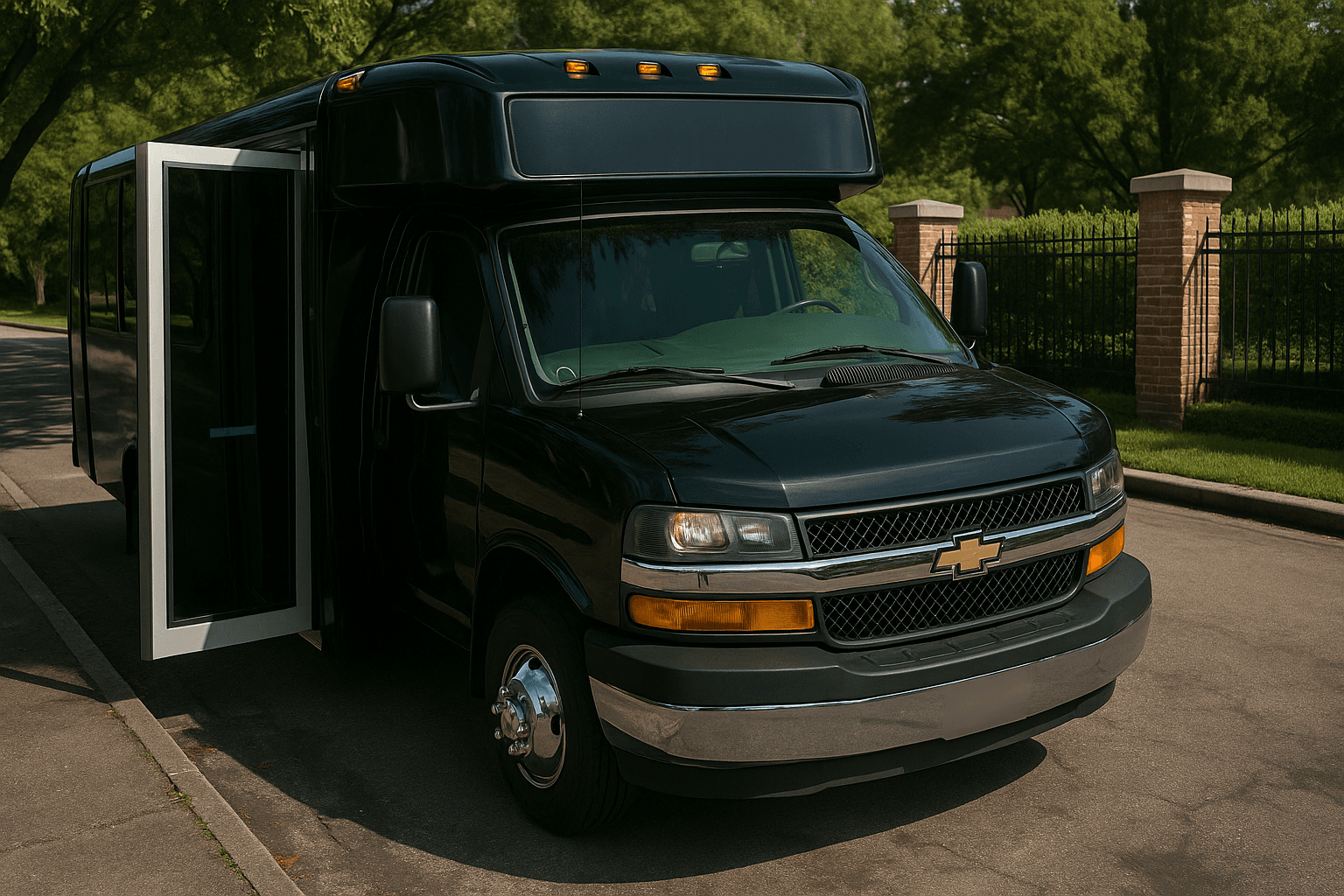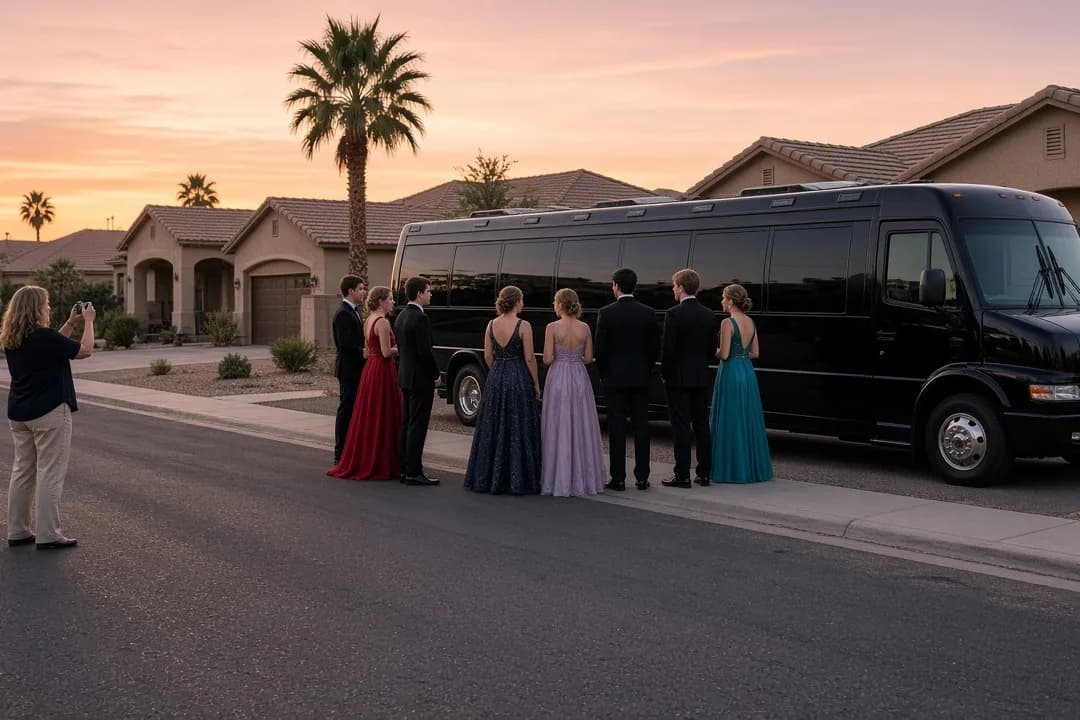
Bachelorette party group celebrating together on a party bus in Scottsdale

Free Phoenix planning tool

Guest List Manager

One list for who's in, who's out and who has paid. It stays in your browser, and it tells you how many seats to ask us for.

Start your trip

Tell us the basics. We’ll help with the rest.

or

Type a name, add it, done. Each person gets a status button that cycles Pending, Yes, No, a paid checkbox and a remove button. The totals at the top show confirmed, pending, declined and paid, plus the smallest seat count that covers everyone still in play.

"Copy list" drops a plain-text summary on your clipboard for the group chat, and "Clear all" starts you over. The list lives in this browser on this device. Nothing gets uploaded, we never see it, and clearing your browser data wipes it.

Guest List Manager

Free, no sign-up, and nothing you type reaches us.

No guests yet. Add first names only. The list stays in this browser.

0

Confirmed

0

Pending

0

Declined

0

Paid

Saved in this browser on this device only. Nothing is uploaded and it does not sync between phones.

Step by step

How to use the Guest List Manager

  1. 1

    Add the names

    First names or nicknames are all it wants. Put yourself on there too, since you need a seat like everyone else.

  2. 2

    Flip statuses as answers land

    Tap the status button to move someone from Pending to Yes to No. Tick the paid box when their share actually shows up.

  3. 3

    Watch the seat line

    It adds your confirmed and pending guests and tells you the smallest seat count that covers them, which is the size to ask us about.

  4. 4

    Paste it in the group chat

    Copy list makes a text summary of who's in, who's pending and who has paid. It usually does the nagging for you.

Back to the tool

Why a bus needs a real RSVP deadline

At a house party, one more person is one more chair. On a bus, the seat count is locked the moment the vehicle is reserved.

If three people say yes after you've booked an 18-passenger party bus for 18, they don't ride. On a busy weekend there may be nothing bigger left.

So give your group a real date, and set it before you have to pick a vehicle, not after. "Tell me by the 10th or I can't hold you a seat" is kinder than it sounds.

That's also why the seat line counts pending guests alongside confirmed ones. Until somebody says no, plan as though they're coming. If your list is still mostly maybes, get a rough number from the group size calculator and firm it up here.

Bachelorette group in matching outfits gathered for a night out in Old Town Scottsdale
Bachelorette lists firm up early because the flights are already booked. Use that head start.

Chase the money with the yes

A yes that hasn't paid is a softer yes. Organizers who collect up front see far fewer late dropouts, because people protect a plan they've already put money into. That's why the paid checkbox sits right next to the status button.

Work out each share with the split cost calculator once you have a quote, then let the copied list do the asking. A message showing ten names marked paid and two that aren't tends to solve itself overnight.

One warning on the math. If your share assumes 14 riders and two drop, everyone else pays more. Decide early whether a late cancellation still owes, and say so in the chat while people are still agreeable. Deposits and cancellation terms for the vehicle itself are on your written quote.

One person owns the list

Groups fall apart when two people keep two lists. Pick one organizer who owns the names and route every change through them. Because this tool saves to one browser on one device, it fits that setup naturally, and everyone else works off the copied summary.

While you're gathering names, settle the pickup address too. One pickup and one final drop-off use your hours far better than a loop through four neighborhoods. If people are scattered, pick a central house or a lot where cars can sit overnight, and sanity-check it in the route planner.

For prom groups and any trip with riders under 18, keep a parent contact for every student somewhere of your own, like your phone contacts. Don't put it in here. One adult should own both the list and the booking.

Set the deadline first, then shop. Give your group an RSVP date a few days before you plan to ask us for a quote. You'll request the right size once instead of resizing the bus every time the chat changes its mind.
Interior of a 16-passenger party bus with bench seating along the walls and LED lighting
Sixteen seats means sixteen riders. A late seventeenth yes needs a different bus.

When to start asking

How much runway you have depends on what you're planning. Bachelor and bachelorette groups here start about six weeks out, roughly two weeks earlier than everyone else, because flights and a rental house come first.

If that's you, open the list the day the flights are booked. Your names firm up early, and that's a real advantage.

Birthdays are the opposite. Most Valley birthday groups call us about three weeks ahead, one of the shortest windows we see, and small groups run on the same clock.

Three weeks isn't long. Send the invite, set the deadline a week later, and ask for a quote the moment you have a number.

Milestone birthday parties with 20-plus guests should start sooner than that. A countdown helps people take the deadline seriously, so set one in the event countdown timer.

Who can see your list

Nobody but you. It sits in your browser's local storage, never gets sent to us or anyone else, and that cuts both ways: it won't show up on your other devices, and it disappears if you clear your browsing data. Use "Copy list" to keep a backup in your notes.

The tool only asks for names, and that's on purpose. Don't type phone numbers, emails or addresses into the name field. First names run an RSVP perfectly well. On a shared or public computer, hit "Clear all" when you're finished.

Once the list is closed, the only thing we need from it is the rider count. Put that on your quote request with the date, the pickup city and the hours you want, and keep the names to yourself.

Phoenix Party Bus data

The numbers behind this tool

Pulled from our own Phoenix bookings and inquiries. Good for planning. Not a price list.

45 days

median bachelor and bachelorette planning window

Request the ride when you book the house. Out-of-town groups that wait until arrival week have the fewest options.

23 days

median birthday planning window

Birthdays get planned about three weeks out. Milestone birthdays with 20+ guests should start earlier than that.

23 days

median lead time for groups of 10 or fewer

Small groups decide late. Limos and Sprinters for a weekend night are often requested inside three weeks.

Source: Phoenix Party Bus inquiry data, June 2023September 2026 (2,678 Phoenix-area inquiries). Inquiries are not bookings; historical quotes are not current prices. See the full data · Methodology

Your turn

Booking Experience Polls

Vote to see how other riders answered. Results update live, and no sign-up is needed.

Guest List Manager FAQ

Straight answers on minimum hours, deposits, what is included, and what to bring.

No. The names live only in your own browser on the device you're using. Nothing reaches our servers and we can't look at it. The tradeoff is that it won't sync between your phone and your laptop, and clearing your browser data erases it, so hit the copy button and keep a backup somewhere.
Because a pending guest might still say yes, and a bus can't grow a seat later. The tool adds your confirmed and pending guests together and shows the smallest count that covers both. As people decline, the number drops on its own. You'll never accidentally reserve a bus too small for the slow repliers.
Only if there's an open seat on it. Capacity is fixed, so a late addition fits when you have room to spare and doesn't when you don't. If the bus is full, it's either move up a size, assuming something is free on your date, or tell them no. A firm deadline prevents almost all of this.
With the yes, or right after it. People who've paid their share almost never drop out, while unpaid yeses are exactly the ones that vanish the week of. Set a payment date, tick the paid box as each one lands, and share the copied list so everyone can see where things stand. Your quote covers the vehicle's own terms.
Please don't. The tool only asks for a name, and a first name or nickname is all it needs to run an RSVP. Even though the list never leaves your device, a browser isn't the right place for other people's contact details, especially on a computer anyone else uses. Keep numbers in your contacts app.
One parent owns the list and the booking. Track each student's status and payment here by first name, and keep parent contacts separately in your own phone. Agree on one pickup address, usually whoever's hosting photos, and send the final list to all the parents before the night so everyone knows exactly who's riding.
The day the flights get booked. Bachelor and bachelorette groups here reach out about six weeks ahead, earlier than most, because travel is arranged first and the names are already firm. That head start is worth using, because groups that wait until arrival week have the fewest vehicles left to choose from.

Still have questions? Call or text (480) 347-0743

Have your pickup ZIP, date, group size, and hours ready and we can quote the same day.

Call or Text Now

Planned it? Now price it.

Send us the date, the headcount, the pickup city and your stops. We'll come back with what's open and a written quote.